时间段模糊一言 是一个纯 PHP 实现的 RESTful API,无需数据库依赖,通过本地时间计算即可返回对应时间段的问候语与暖心文案。无论是早安、午安还是晚安,它都能精准匹配——让你的应用、网站或机器人瞬间拥有"温度"。
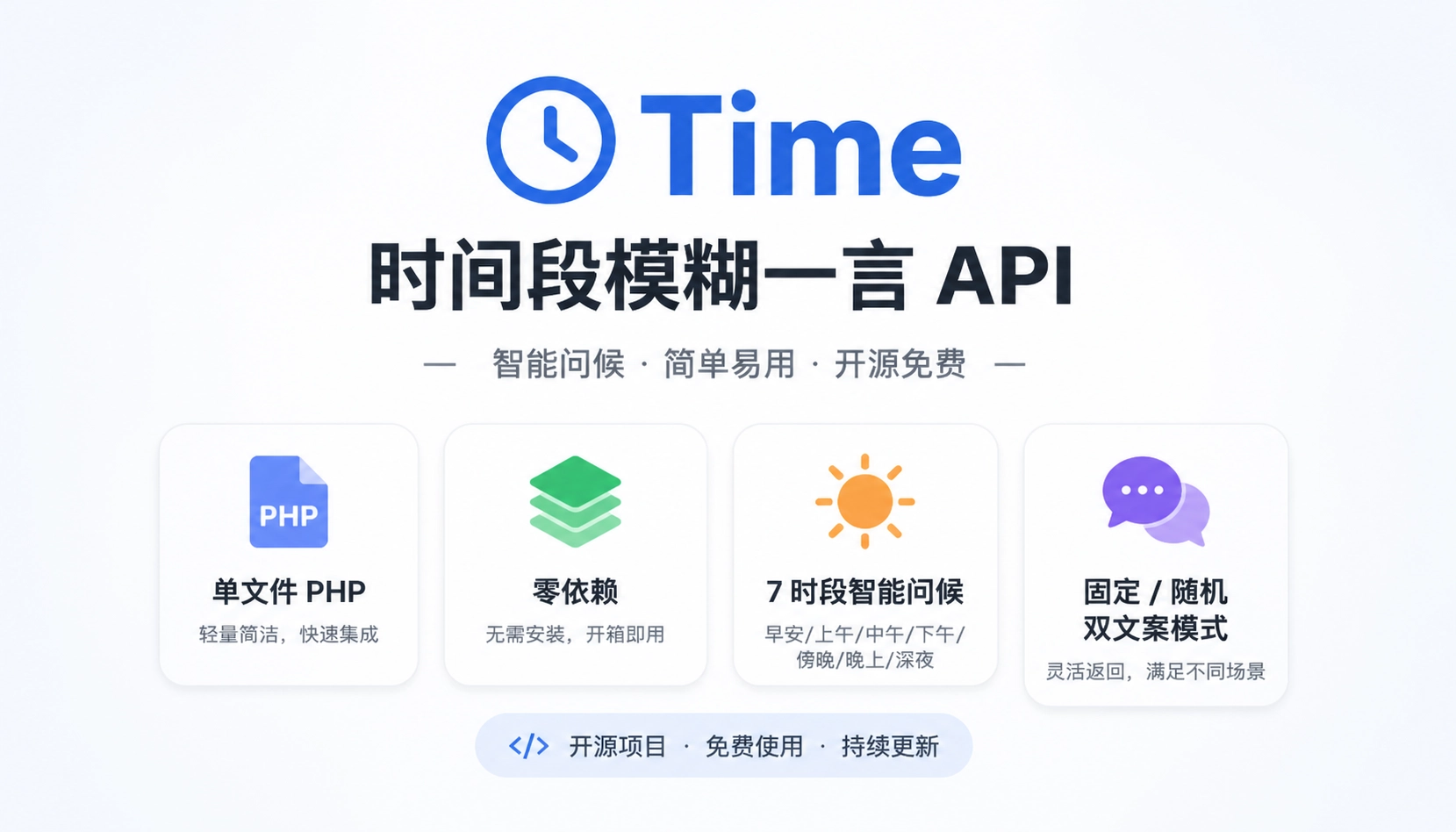
| 特性 | 说明 |
|---|---|
| ⚡ 零依赖 | 纯 PHP 实现,无需数据库 / Redis / 任何第三方库 |
| ⚡ 毫秒响应 | 本地数组查询 + 随机选取,无网络开销 |
| 🆓 完全免费 | 无需注册、无需密钥、无调用频率限制 |
| 🌈 双版本 | V1 固定文案版 / V2 随机丰富版 |
| 🌍 跨域支持 | 已配置 CORS,前端可直接调用 |
| 🔒 参数校验 | 无效 type 参数返回友好错误提示 |
| 💝 7 个时段 | 凌晨/早晨/上午/中午/下午/傍晚/晚上,全覆盖 |
# V1 固定文案版(默认)
curl "http://apis.uctb.cn/api/time?type=1"

# V2 随机丰富版(推荐,文案更多变)
curl "http://apis.uctb.cn/api/time?type=2"V1 版本(固定文案):
{
    "code": 1,
    "msg": "晚上好,好好休息!",
    "nowtime": "2025-09-07 PM 20:40:00",
    "nxyj": "晚上是放松的时刻~感谢今天的努力,明天继续加油!",
    "version": "v1"
}
V2 版本(随机文案):
{
    "code": 1,
    "msg": "晚安,愿你好梦!",
    "nowtime": "2025-09-07 PM 23:15:00",
    "nxyj": "晚安,愿你的梦境如星空般美丽~明天会更好!",
    "version": "v2"
}
错误响应:
{
    "code": 0,
    "msg": "参数错误",
    "error": "type参数只能为1或2",
    "nowtime": "2025-05-01 PM 13:40:00",
    "version": "error"
}| 字段 | 类型 | 说明 |
|---|---|---|
code | int | 状态码:1 成功,0 参数错误 |
msg | string | 时间段问候语 |
nowtime | string | 当前服务器时间(Asia/Shanghai 时区) |
nxyj | string | 暖心一句话(V2 为随机选取) |
version | string | 当前版本标识:v1 / v2 / error |
API 将一天划分为 7 个时间段:
凌晨 (00:00 - 04:59)   → 5 小时  → "凌晨了,注意休息哦!"
早晨 (05:00 - 07:59)   → 3 小时  → "早晨好,新的一天开始了!"
上午 (08:00 - 10:59)   → 3 小时  → "上午好,工作学习加油!"
中午 (11:00 - 12:59)   → 2 小时  → "中午了,记得吃午饭哦!"
下午 (13:00 - 16:59)   → 4 小时  → "下午好,保持好状态!"
傍晚 (17:00 - 18:59)   → 2 小时  → "傍晚了,放松一下吧!"
晚上 (19:00 - 23:59)   → 5 小时  → "晚上好,好好休息!"
V1 vs V2 区别:
- V1:每个时段固定 1 条问候语 + 1 条暖心文案,结果确定性强
- V2:每个时段内置 3~5 条 问候语 + 3~5 条 暖心文案,每次调用随机组合,内容更丰富多样
index.php 文件即可运行Asia/Shanghai// 1. 获取当前小时数,判断所属时段
$hour = date('G', $now);
if ($hour >= 0 && $hour < 5) {
$timeKey = '凌晨';
} elseif ($hour >= 5 && $hour < 8) {
$timeKey = '早晨';
} elseif ($hour >= 8 && $hour < 11) {
$timeKey = '上午';
} elseif ($hour >= 11 && $hour < 13) {
$timeKey = '中午';
} elseif ($hour >= 13 && $hour < 17) {
$timeKey = '下午';
} elseif ($hour >= 17 && $hour < 19) {
$timeKey = '傍晚';
} else {
$timeKey = '晚上';
}
// 2. V2 版本使用 array_rand 随机选取文案
$timeMsgIndex = array_rand($timeMessagesV2[$timeKey]['time_msgs']);
$warmMsgIndex = array_rand($timeMessagesV2[$timeKey]['warm_msgs']);
// 3. 输出 JSON(支持中文不转义)
echo json_encode($response, JSON_UNESCAPED_UNICODE);// V2 版本数据结构(每个时段包含 time_msg + warm_msg + 候选数组)
$periodData = [
'time_msg' => '默认问候语', // V1 使用此字段
'warm_msg' => '默认暖心语', // V1 使用此字段
'time_msgs' => ['问候1','问候2',...], // V2 从中随机选
'warm_msgs' => ['暖心1','暖心2',...] // V2 从中随机选
];| 时段 | V1 文案 | V2 候选组合数 |
|---|---|---|
| 凌晨 | 1+1 | 3 × 3 = 9 种 |
| 早晨 | 1+1 | 3 × 3 = 9 种 |
| 上午 | 1+1 | 5 × 5 = 25 种 |
| 中午 | 1+1 | 5 × 5 = 25 种 |
| 下午 | 1+1 | 5 × 5 = 25 种 |
| 傍晚 | 1+1 | 5 × 5 = 25 种 |
| 晚上 | 1+1 | 5 × 5 = 25 种 |
V2 总计可达 143 种不同组合输出!
index.php 上传至 Web 服务器目录php -S localhost:8080 index.php然后访问:http://localhost:8080/?type=2
FROM php:8.1-apache
COPY index.php /var/www/html/index.php
EXPOSE 80
docker build -t time-api .
docker run -d -p 8080:80 time-apiasync function getGreeting(type = 2) {
const res = await fetch(`https://apis.uctb.cn/api/time?type=${type}`);
const data = await res.json();
if (data.code === 1) {
console.log(`📢 ${data.msg}`); // 问候语
console.log(`🕐 ${data.nowtime}`); // 当前时间
console.log(`💬 ${data.nxyj}`); // 暖心一句
console.log(`📋 版本: ${data.version}`);
} else {
console.error(`❌ ${data.error}`);
}
return data;
}
getGreeting(2);其它调用示例还请查看我的API官网,或者请教AI直接对接
### 🎯 应用场景
在页面加载时动态展示当前时段的问候:
<div id="welcome"></div>
<script>
fetch('https://apis.uctb.cn/api/time?type=2')
  .then(r => r.json())
  .then(d => {
    document.getElementById('welcome').innerHTML =
      `<h3>${d.msg}</h3><small>${d.nxyj}</small>`;
  });
</script>const schedule = require('node-schedule');
// 每天 7:00 发送早安,22:00 发送晚安
schedule.scheduleJob('0 7 * * *', async () => {
const { msg, nxyj } = await getGreeting(2);
sendToGroup(`${msg}\n${nxyj}`); // 推送到群
});
schedule.scheduleJob('0 22 * * *', async () => {
const { msg, nxyj } = await getGreeting(2);
sendToGroup(`${msg}\n${nxyj}`); // 晚安推送
});在 .bashrc 或 .zshrc 中添加:
greeting() {
  curl -s "https://apis.uctb.cn/api/time?type=2" | \
    python3 -c "import sys,json;d=json.load(sys.stdin);print(f\"\033[36m{d['msg']}\033[0m\n\033[33m{d['nxyj']}\033[0m\")" 2>/dev/null
}
greeting
echo ""
每次打开终端都能看到温暖的问候。
作为每日签到页面的动态欢迎语数据源,让用户每天看到不同的鼓励话语。
Electron / Tauri 等桌面应用的欢迎界面,展示当前时段问候。
| 指标 | 数据 |
|---|---|
| 累计调用量 | 760,159+ 次 |
| 支持版本 | V1 固定版 / V2 随机版 |
| 文案组合数 | V1: 7 种 / V2: 143 种 |
| 代码规模 | 单文件,225 行 |
| 外部依赖 | 零 |
| 链接 | 地址 |
|---|---|
| 在线文档 | https://apis.uctb.cn/apidata?id=3 |
| API 地址 | https://apis.uctb.cn/api/time |
| 开源地址 | https://gitee.com/one-thousand-and-twenty-five/time |
本项目采用 MIT 协议 开源,可自由使用、修改和分发。
MIT License

Copyright (c) 2025

Permission is hereby granted, free of charge, to any person obtaining a copy
of this software and associated documentation files (the "Software"), to deal
in the Software without restriction, including without limitation the rights
to use, copy, modify, merge, publish, distribute, sublicense, and/or sell
copies of the Software, and to permit persons to whom the Software is
furnished to do so, subject to the following conditions:

The above copyright notice and this permission notice shall be included in all
copies or substantial portions of the Software.
如果这个项目对你有帮助,给一个 ⭐ Star 支持一下吧! Made with ❤️ by YouChuang Open Source Community · Powered by PHP



 {/tabs-pane} {tabs-pane label="支付宝"}





—— 评论区 ——